The best place to see the results of your campaigns as they come in is the Snöboard, our comprehensive campaign analytics dashboard.
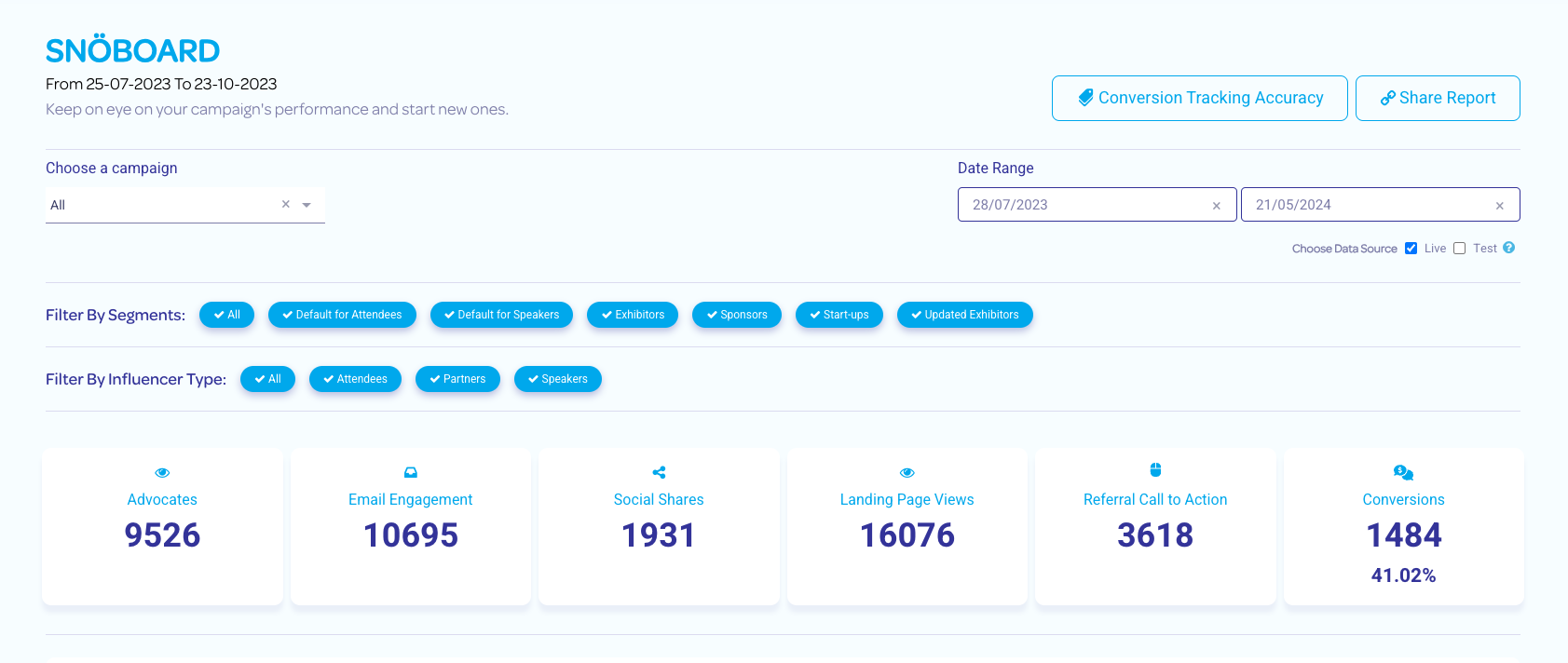
The Snöboard is divided into sections:
- Filters
- Snapshot
- The Snöball Effect
- Advocates
- Social Shares
- Conversions
- Email Engagement
- Landing Page Views
Filters
At the top of the Snöboard are filters - these allow you to narrow your data view:
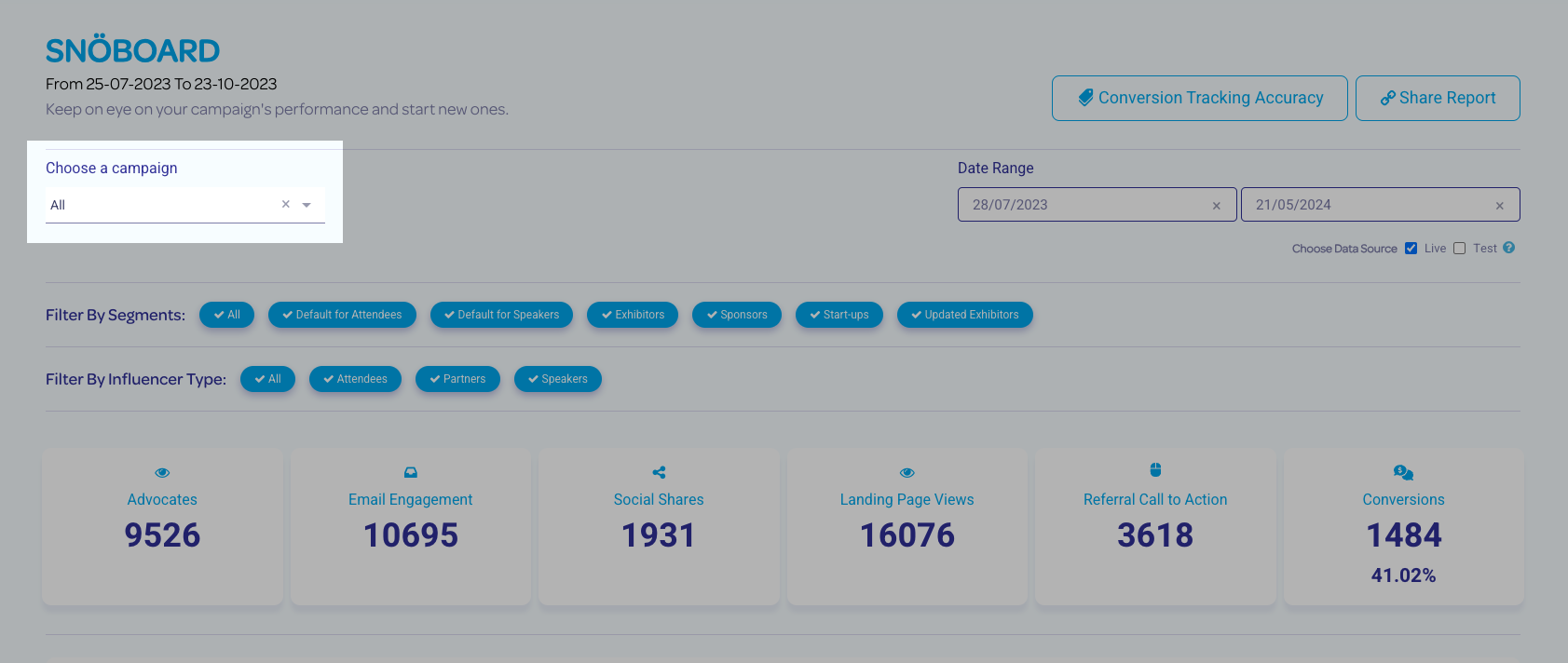
- By Campaign - Select a specific campaign from the drop-down list
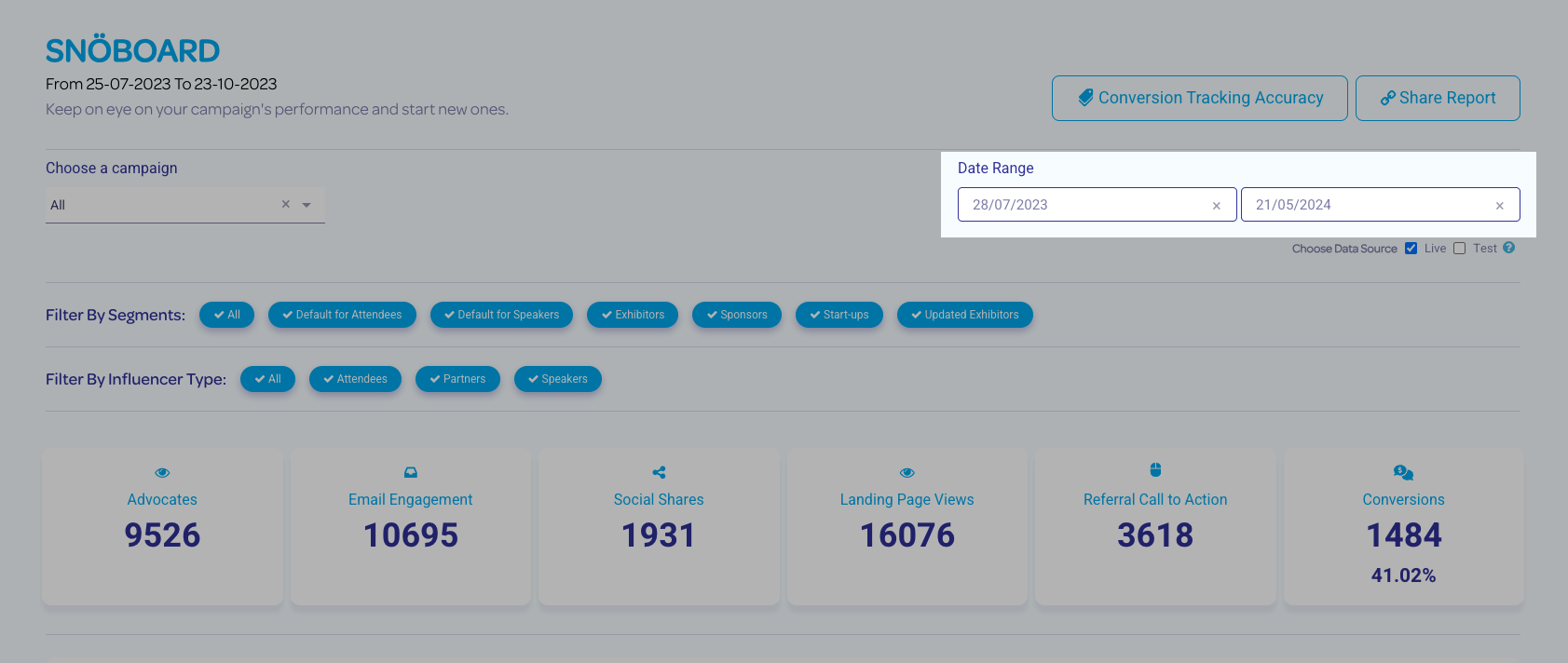
- By Date Range - Choose start and end dates for your data
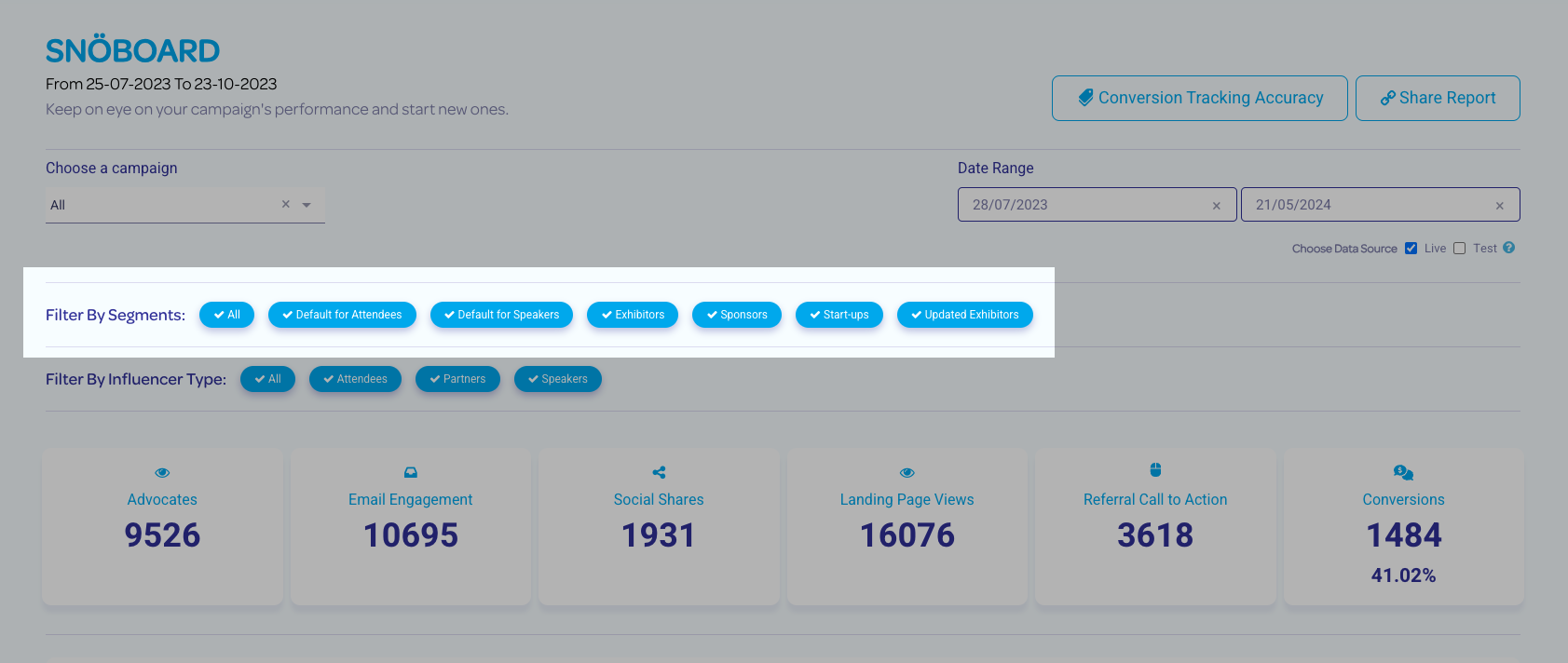
- By Segments - Filter results by selected custom user-defined segments
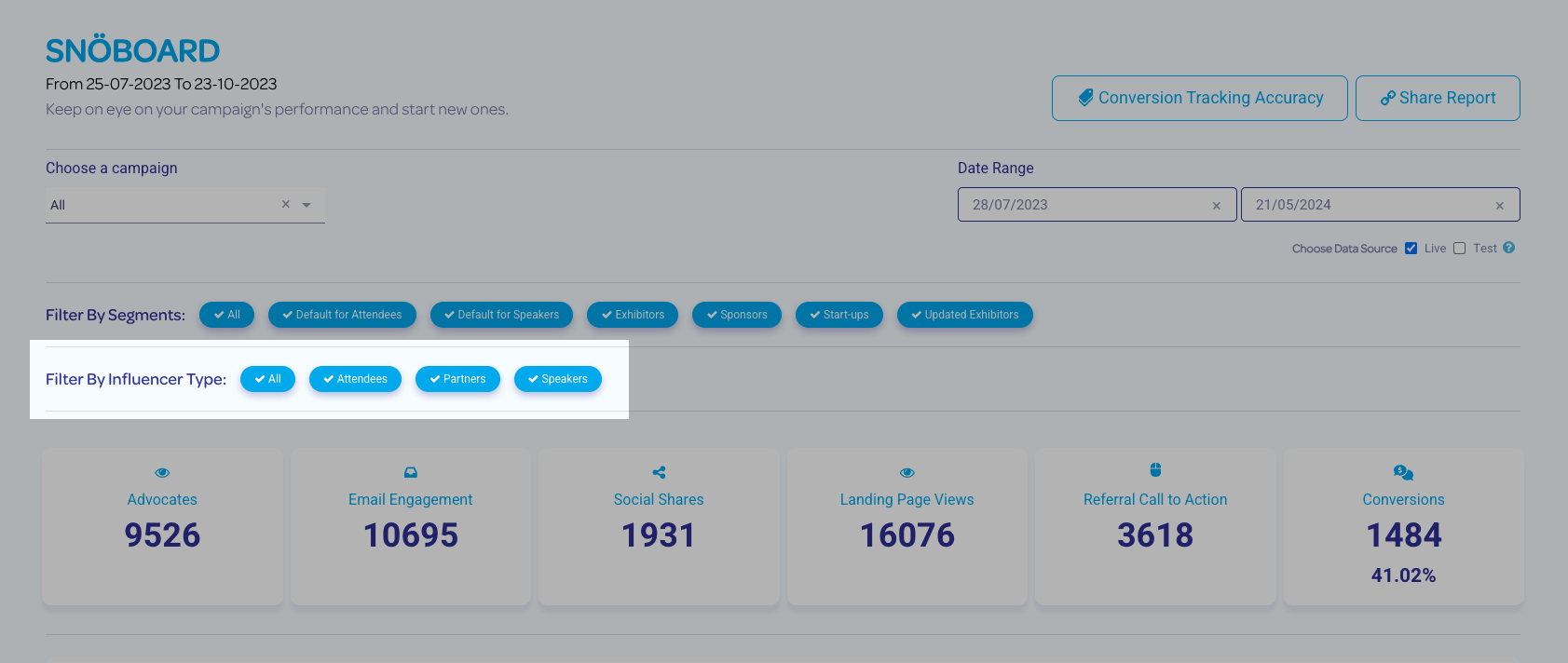
- By Influencer Type - Filter results by the preset Snöball influencer types (Attendees, Partners, and Speakers)
Results Snapshot

Next is a snapshot of the results of your campaign, which includes:
- Advocates - The total number of influencers in your campaigns (includes all Attendees, Partners, and Speakers)
- Email Engagement - The total number of people who have engaged with the email campaigns. This includes actions like opening the email and clicking the invitation links
- Social Shares - A full count of all campaign social media shares
- Landing Page Views - A count of all Speaker, Partner, and Exhibitor Landing Page views. This includes all registrants who have clicked through their invitation's Call To Action and have viewed the event registration page
- Referral Call To Action - The total number of clicks on Call To Action links. The click does not need to lead to a full registration conversion in order to be counted here
- Conversions - The total number of registrations processed through Snöball's Call To Action links, along with a conversion percentage
- Hovering your mouse pointer over the Conversion number will give you the campaigns' ROI - this is calculated from your event's average registration fee, input into the Snöball event settings.
The Snöball Effect
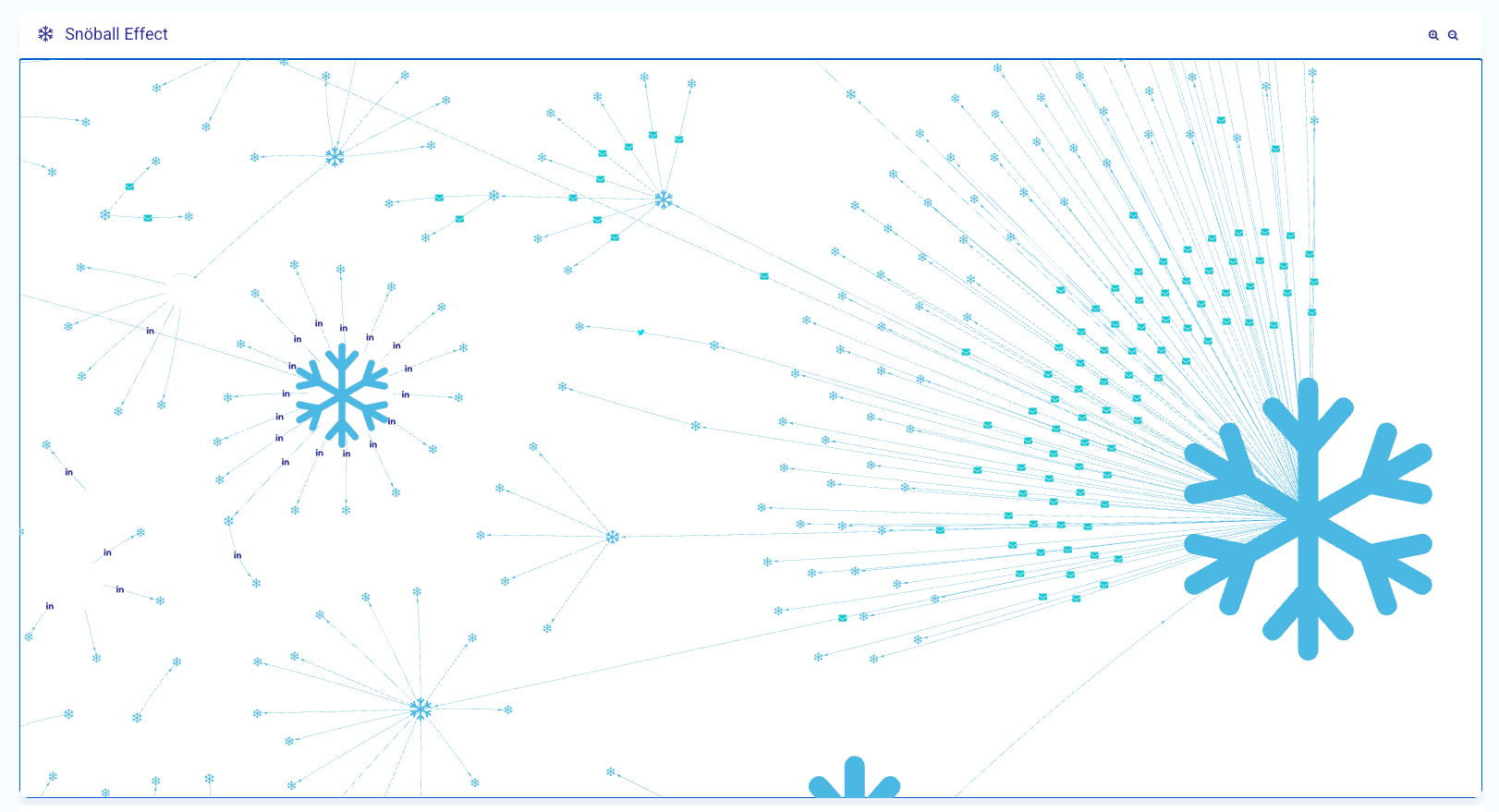
This is an interactive data visualization of your campaigns' success - every conversion appears in the Snöball, linked to the influencer who invited them.
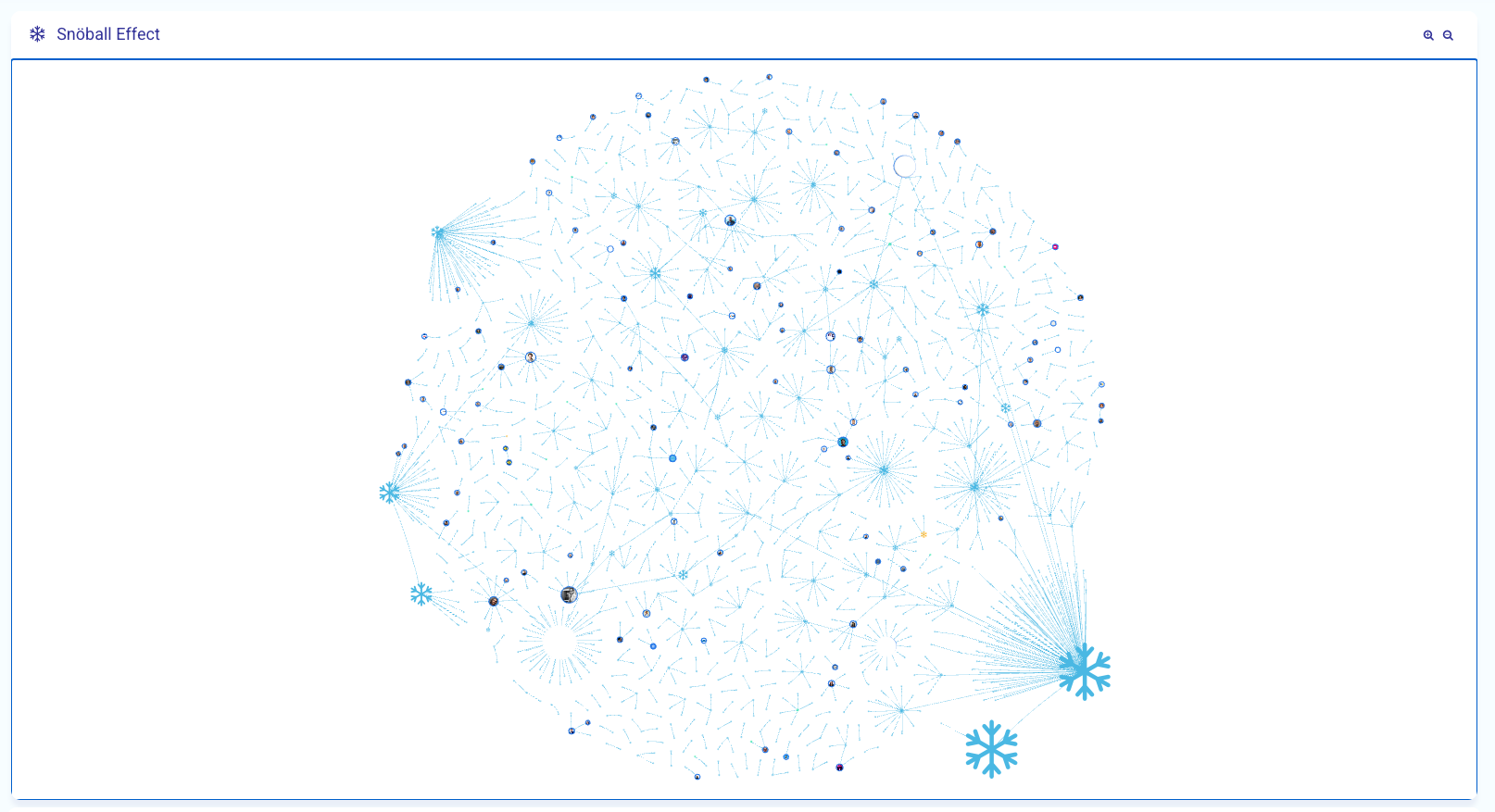
Your most successful influencers appear as the larger nodes on the Snöball - you can zoom in for more detail:
Advocates
This section lists the influencers with successful conversions. The default sort is by total number of conversions, so that your most influential attendees are listed at the top:
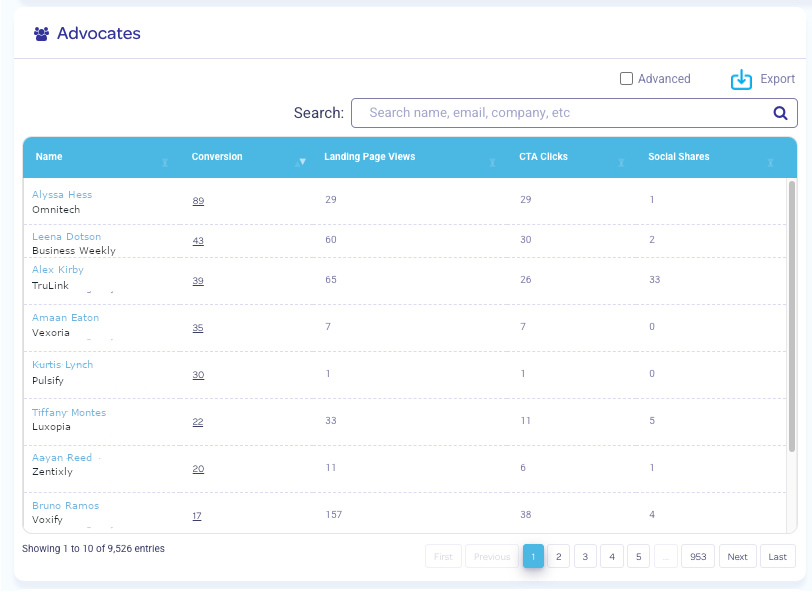
This section includes totals for Conversion, Landing Page Views, Call To Action clicks, and Social Shares for each influencer.
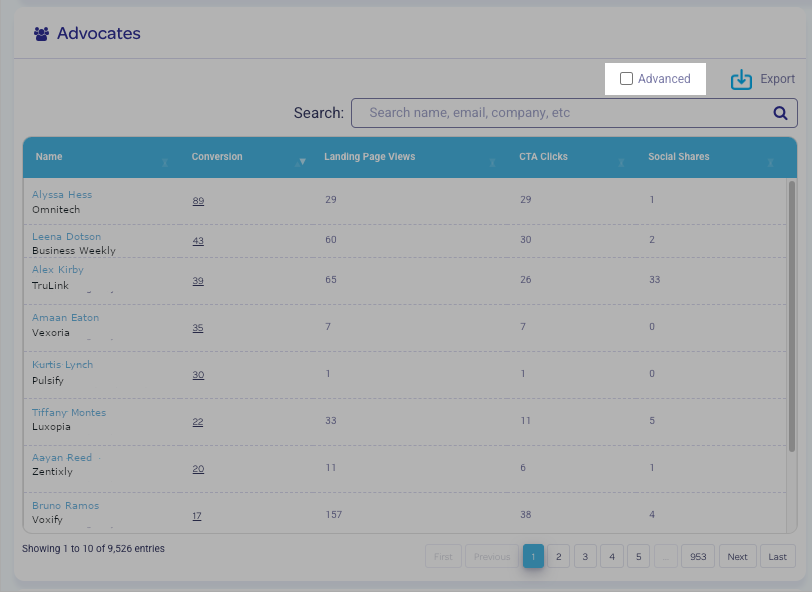
Click the Advanced check box for additional statistics, including breakdown by segment, social channel share, and more!
Click on an influencer name to drill down to the specific conversions attributed to them.
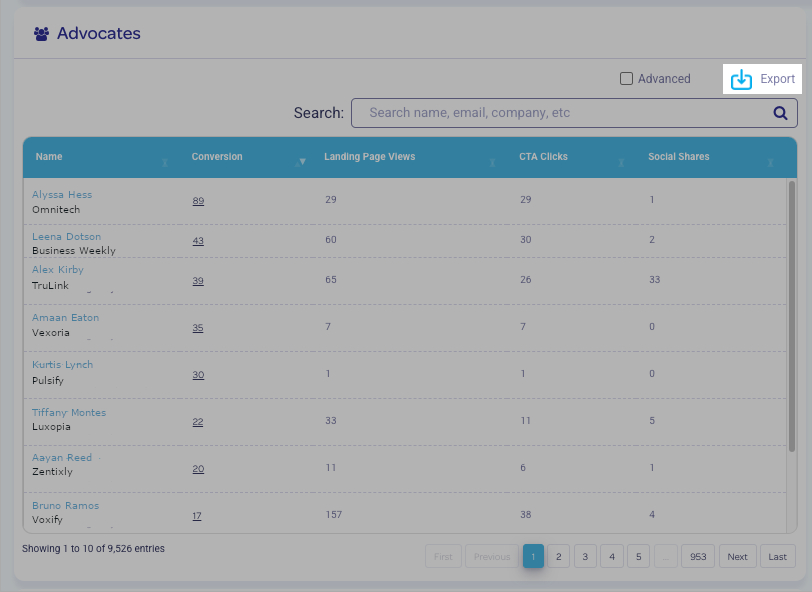
The full list can be exported to CSV format so that you can further analyze your results:
Social Shares
This pie graph breaks down the total number of social shares by social channel, giving you a additional insight into how your influencers share the campaign:
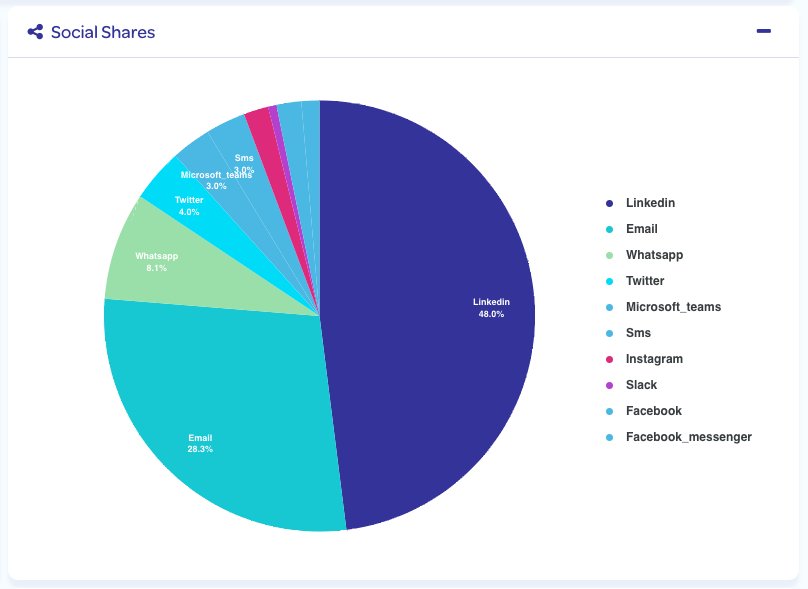
Clicking on a segment of the chart will give you a specific number of shares for that channel.
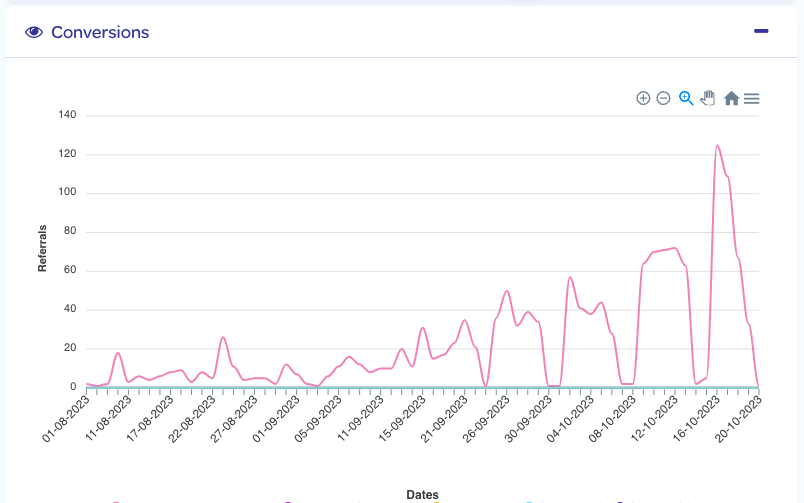
Conversions
A graphed timeline of your registrations processed through your campaigns. The peaks tend to align with the campaign sends, as well as your own registration deadlines:
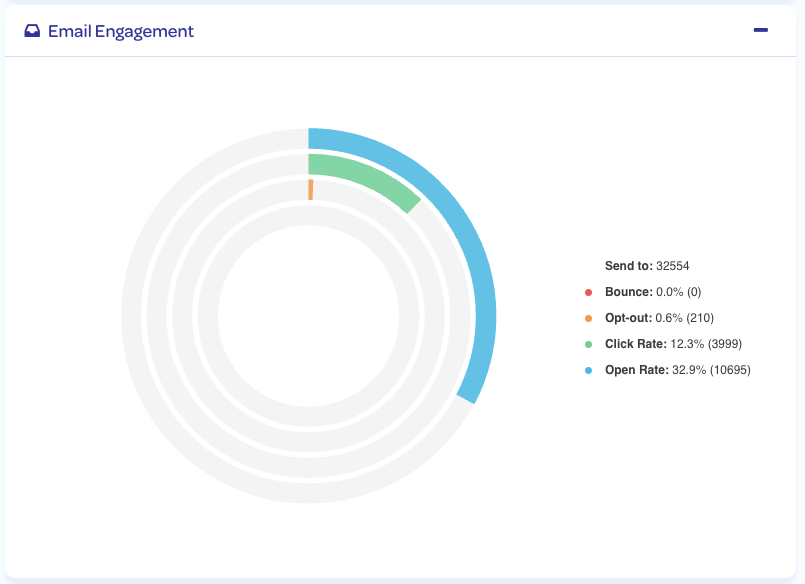
Email Engagement
A graph breaking down the number of email sends, bounced emails, opt-outs (unsubscribes), the click rate and email open rate:
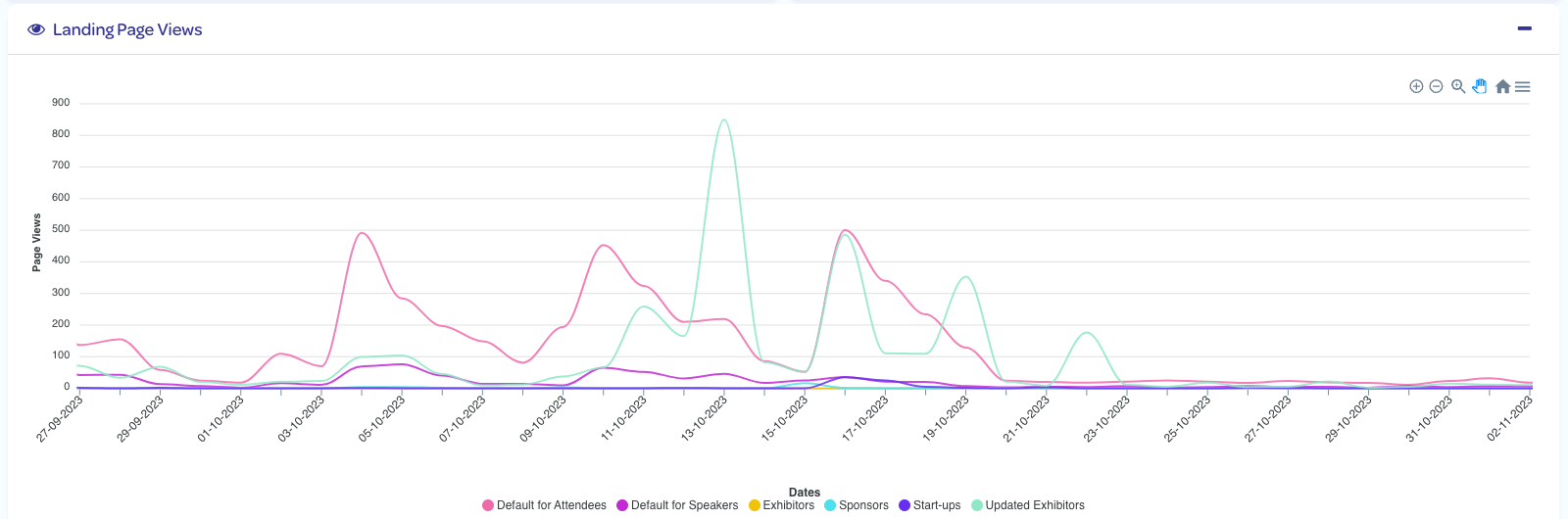
Landing Page Views
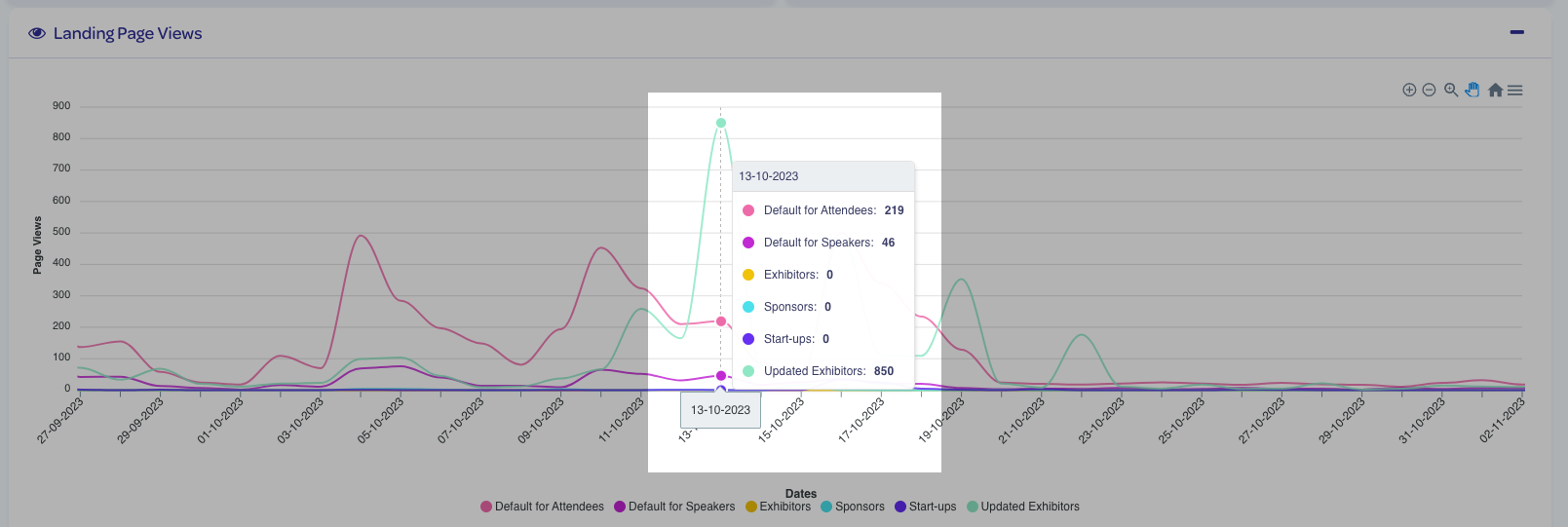
A graphed timeline of the views for your Exhibitor, Sponsor, and Partner landing pages. A graph for each of your custom Segments is provided:
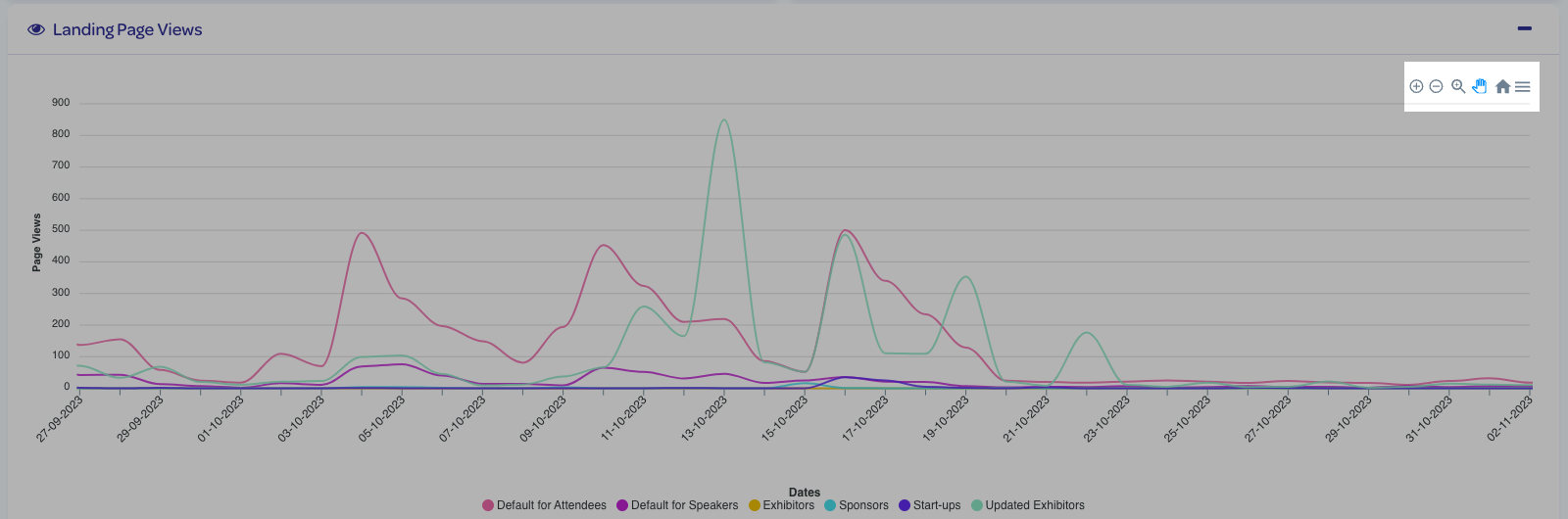
Use the viewing controls in the upper-right of the graph to adjust the timeline, and to zoom in and out:
Hover over a date on the timeline to get a more detailed breakdown by custom segment:
While the Snöboard provides an incredibly detailed breakdown of your campaign results, we understand that sometimes you need to speak to someone to provide some nuance or additional detail - we encourage you to reach out to us at support@snoball.events with your questions!