
After you've set up the basic campaign settings, you'll be prompted to add your influencers to the campaign.
Click the Upload button to begin the process:
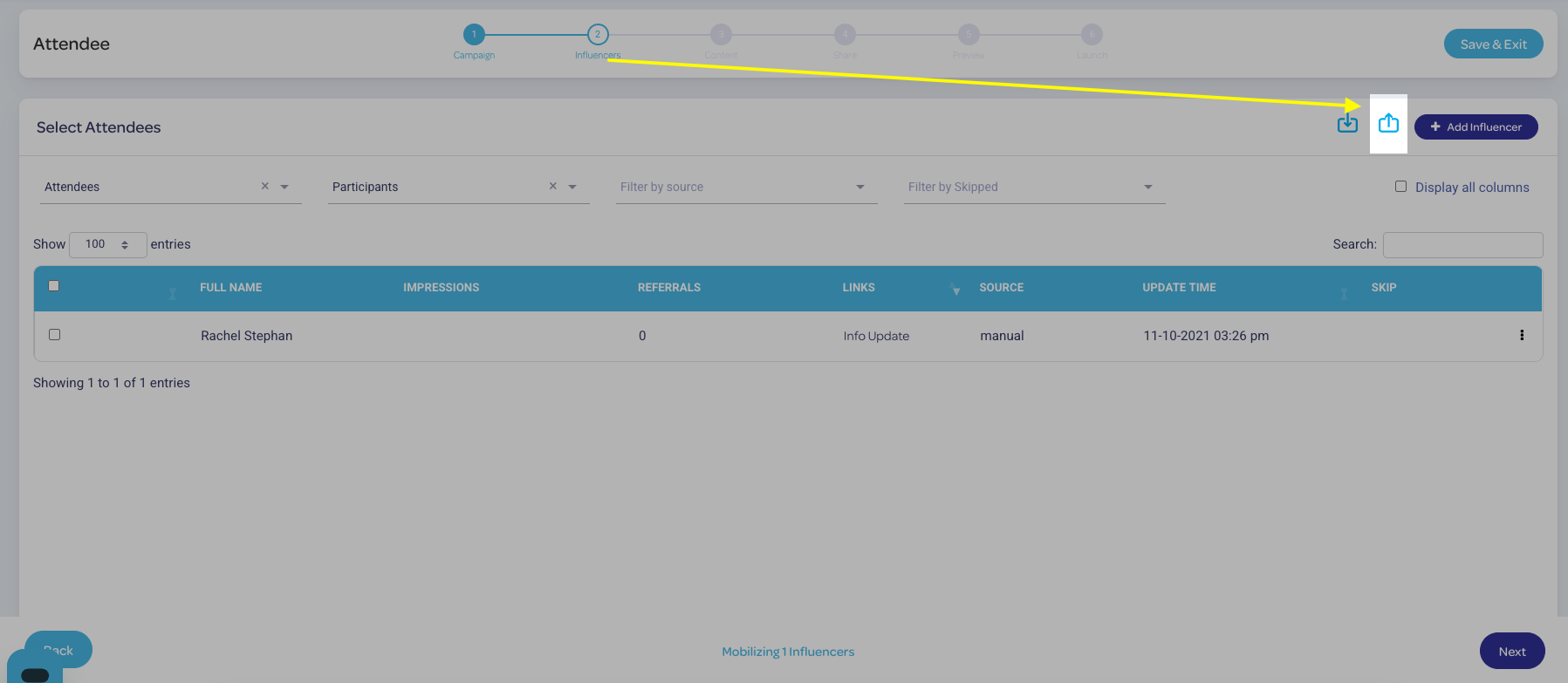
The upload screen will have several prompts:
- Select Influencer Type - use this to select your broad audience category (Attendee, Speaker, or Partner).
- Select or Create Segment - use this to use an existing custom audience segment, or create a new one on the fly.
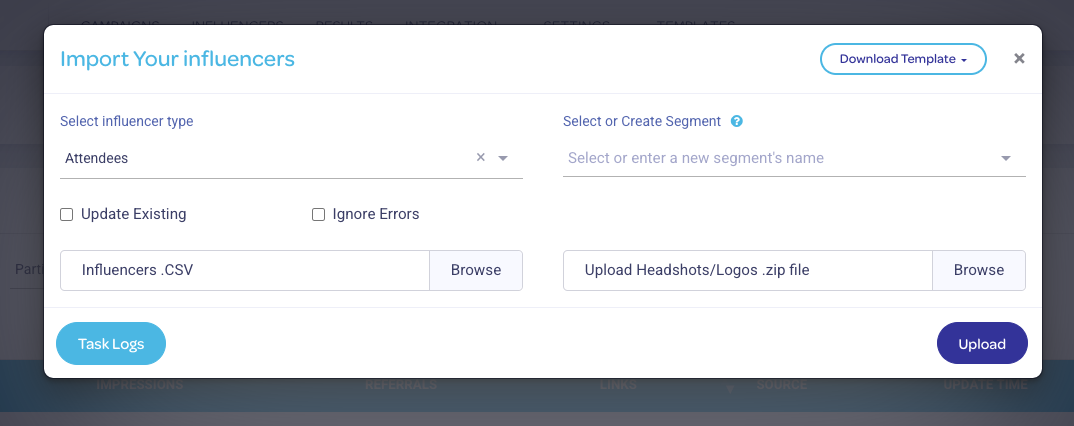
You can access the templates used to upload your influencers here via the Download Template button. The templates for each influencer type are also available here:
Click here to review best practices in managing template data
Next: Create Your Influencers' Landing Page
Previous: Getting Started